Resources
A Konosys page dedicated to this subject, designed to present the challenges, benefits and next steps of your project.
Explore Konosys resources
Find useful pages to prepare your project: references, testimonials, methodology, deployments, events and answers to frequently asked questions.
Testimonials
Videos and feedback from establishments, schools, organisations and Konosys customers.
See the testimonialsDeployments
Multi-site, multi-country approaches, data recovery, change management and production launch.
View deploymentsMethodologies
Project method, business workshops, mock-up, pilot, training, support and deployment.
See methodologiesEvents
Trade shows, conferences and meeting places where you can interact with the Konosys and E-Charlemagne teams.
View eventsFAQ
Answers to frequently asked questions about perimeter, deployment, connectors, and security.
Consult the FAQWhat Konosys brings
Operational content to identify priority uses, compare deployment options, prepare integrations and organize a useful demonstration with your teams.
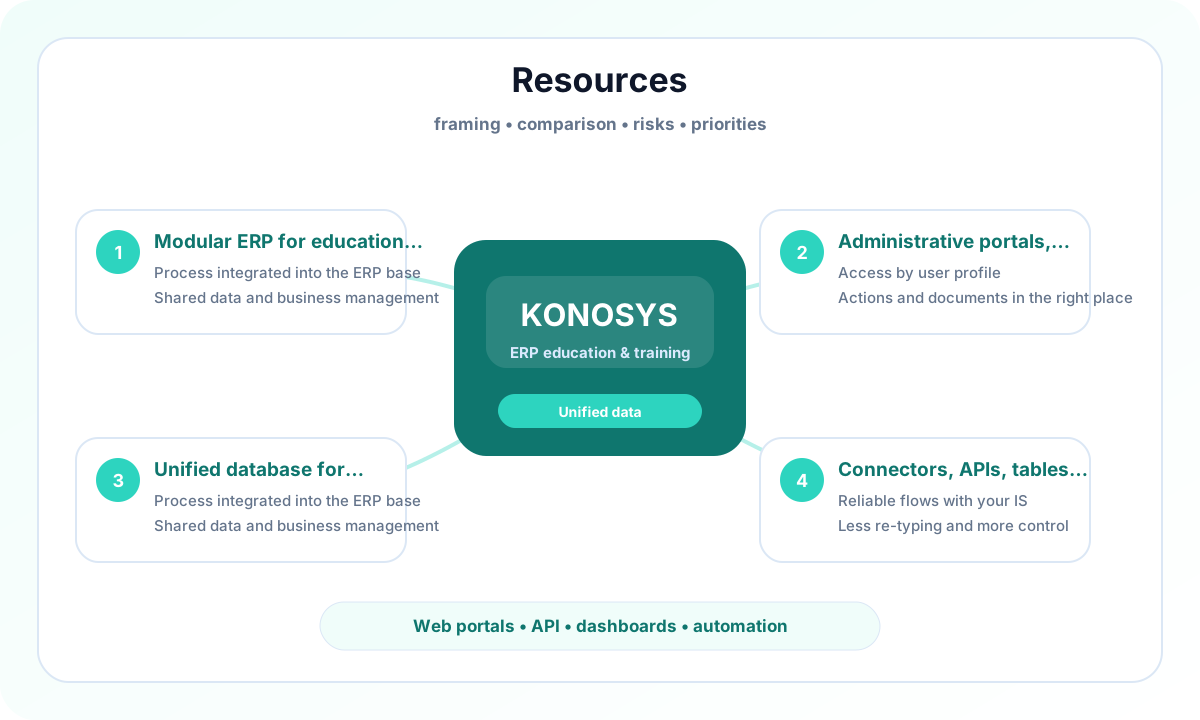
Modular ERP for education and training
centralise repositories, files, workflows, rights and indicators in a single ERP base to reduce isolated applications and re-entries.
Administrative, learner, teacher and business portals
Give each profile clear access to the information, actions and documents they need.
Unified database to reduce re-entries
Give each profile targeted access to useful information and actions: files, requests, documents, schedules, validations and real-time monitoring.
Connectors, APIs, Dashboards and Automations
Connect Konosys to your existing environment to make flows more reliable and reduce re-entries.
A project to work with your teams
Departments and business teams engaged in the digital transformation of training.
- Identify the processes to prioritize and the modules to activate.
- Map data, portals, roles and authorizations.
- Prepare useful connectors with your IS, your LMS and your financial tools.
- Build a progressive and measurable deployment trajectory.
Edited by E-Charlemagne
Konosys draws on historical expertise in education, professional training, large networks and public digital transformation projects.
Schedule a demoContent to prepare a structured decision
Before launching a Konosys project, management must often compare several scenarios: isolated software, business ERP, extension of an LMS, specific development or modular platform.
These resources are used to clarify issues, identify risks, prepare scoping workshops and align business, IS, finance and general management teams.
They are designed to transform a digitalisation intention into a manageable project, with priorities, indicators and a realistic deployment trajectory.
Evaluate Konosys on your real scope.
Describe your organisation, your volumes, your existing tools and the modules that interest you.