Reporting, extractions and dashboards
This module integrates with the Konosys base to transform administrative, educational, financial and operational data into usable indicators, extractions and dashboards.
Readable dashboards to manage activity in real time
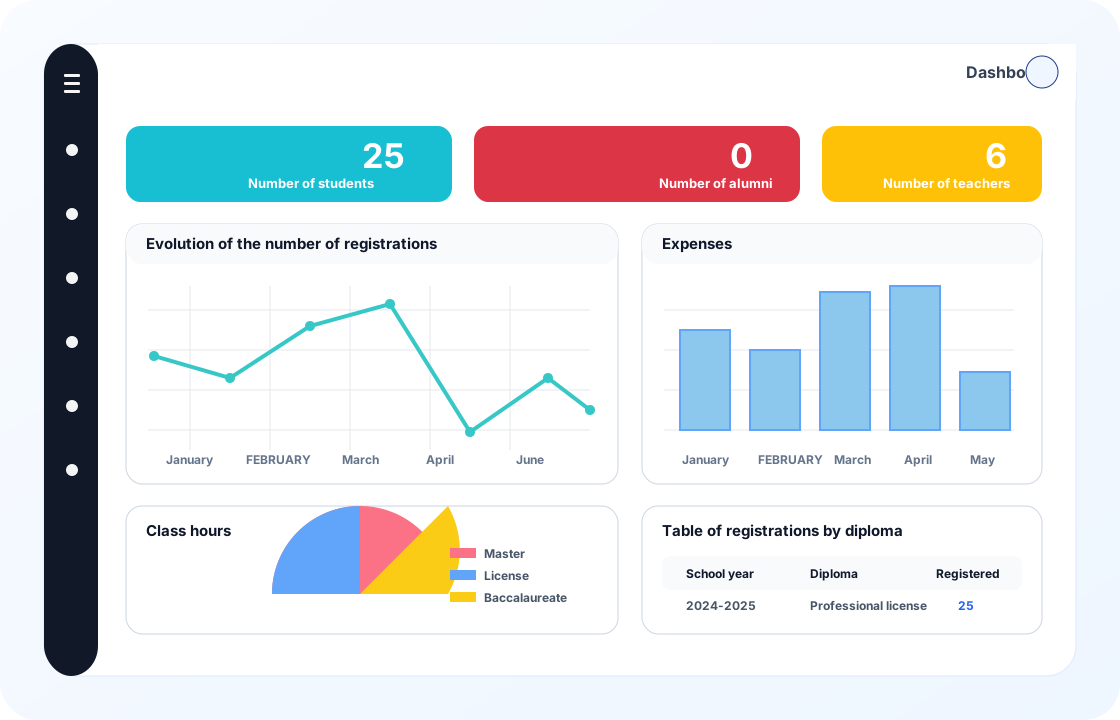
Konosys allows you to build business dashboards from education data, registrations, finance, planning, pedagogy, alumni, teachers and resources.
Management can monitor student volumes, enrolment trends, expenses, course hours, diplomas, completion rates, quality alerts or indicators specific to each establishment. Graphs, tables and extractions avoid isolated files and provide a common reading for business teams, management and support services.
What Konosys brings
Reporting linked to ERP data to monitor activity, export useful information and manage decisions.
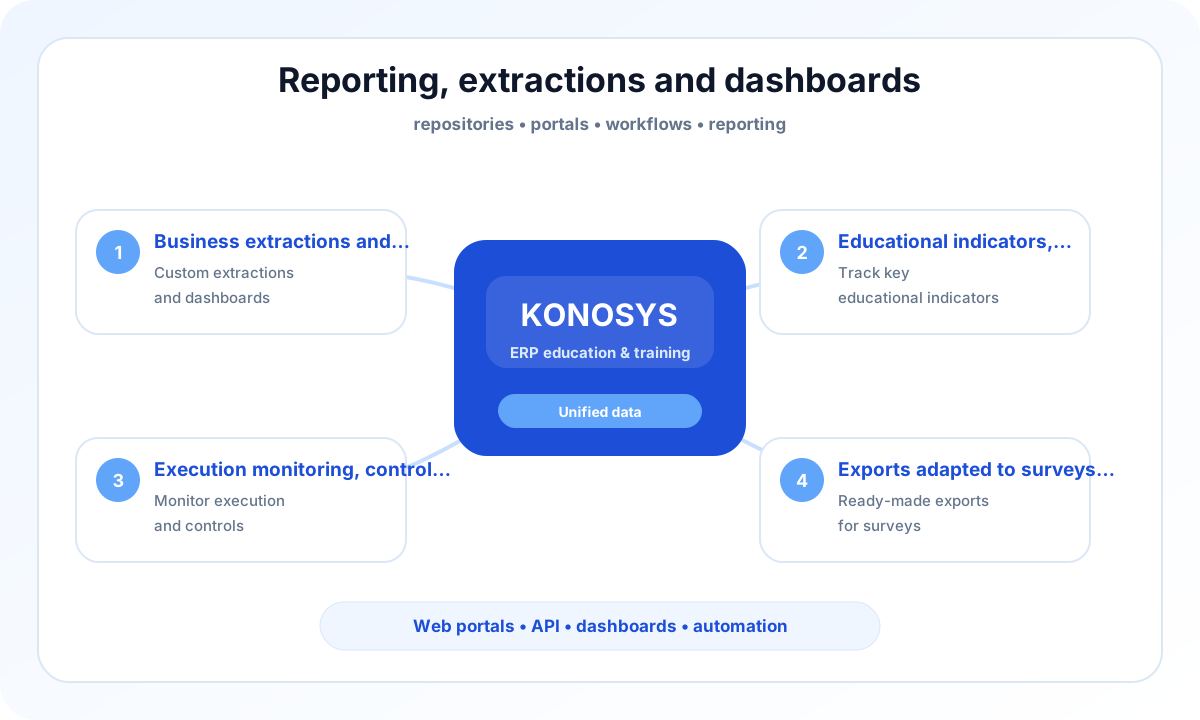
Business extractions and dashboards
Create views adapted to management, educational services, finance, quality and operational teams.
Educational, administrative and financial indicators
Track registrations, hours, expenses, execution rates, resources, diplomas and performance indicators.
Implementation monitoring, quality control and institutional management
Analyze the progress of the journeys, the compliance of the data and the alerts necessary for management.
Exports adapted to investigations and regulatory obligations
Produce the files, lists, statistics and extractions expected by your services or external organisations.
A project to work with your teams
Business teams who want to process their daily operations without re-entry or disruption between services.
- Identify the processes to prioritize and the modules to activate.
- Map data, portals, roles and authorizations.
- Prepare useful connectors with your IS, your LMS and your financial tools.
- Build a progressive and measurable deployment trajectory.
Published by E-Charlemagne
Konosys draws on historical expertise in education, professional training, large networks and public digital transformation projects.
Schedule a demoA business brick linked to the rest of your ERP
In Konosys, a module does not function as an isolated application. It shares repositories, contacts, folders, roles, portals and dashboards with the entire platform.
This logic avoids double entries between services and gives teams a continuous vision of the journey: from application to registration, from session to payment, from planning to reporting.
For a transformation project, this modular operation makes it possible to start on a priority scope, then to gradually extend the functional coverage without changing the technical base.
Evaluate Konosys on your real scope.
Describe your organisation, your volumes, your existing tools and the modules that interest you.