LMS connectors: Moodle, Opigno, Blackboard and e-learning
Synchronize Konosys with your LMS to connect educational models, courses, teachers, learners, sessions and training monitoring.
Bring Konosys into dialogue with Moodle and e-learning platforms.
Thanks to LMS connectors, Konosys can supply Moodle, Opigno, Blackboard or other e-learning platforms with the educational tree: programme session, course instance, module instance, sessions, groups, teachers and registered students.
The challenge is to keep Konosys as a management repository while letting the LMS carry the content, activities, educational resources, quizzes, SCORM, LTI and learning traces. Flows can be downward, upward or bidirectional depending on the architecture chosen.
Examples of LMS flows
Useful synchronizations between Konosys and Moodle, Opigno or Blackboard.
What Konosys brings to e-learning
Continuity between administrative management, educational model, LMS and learner monitoring.
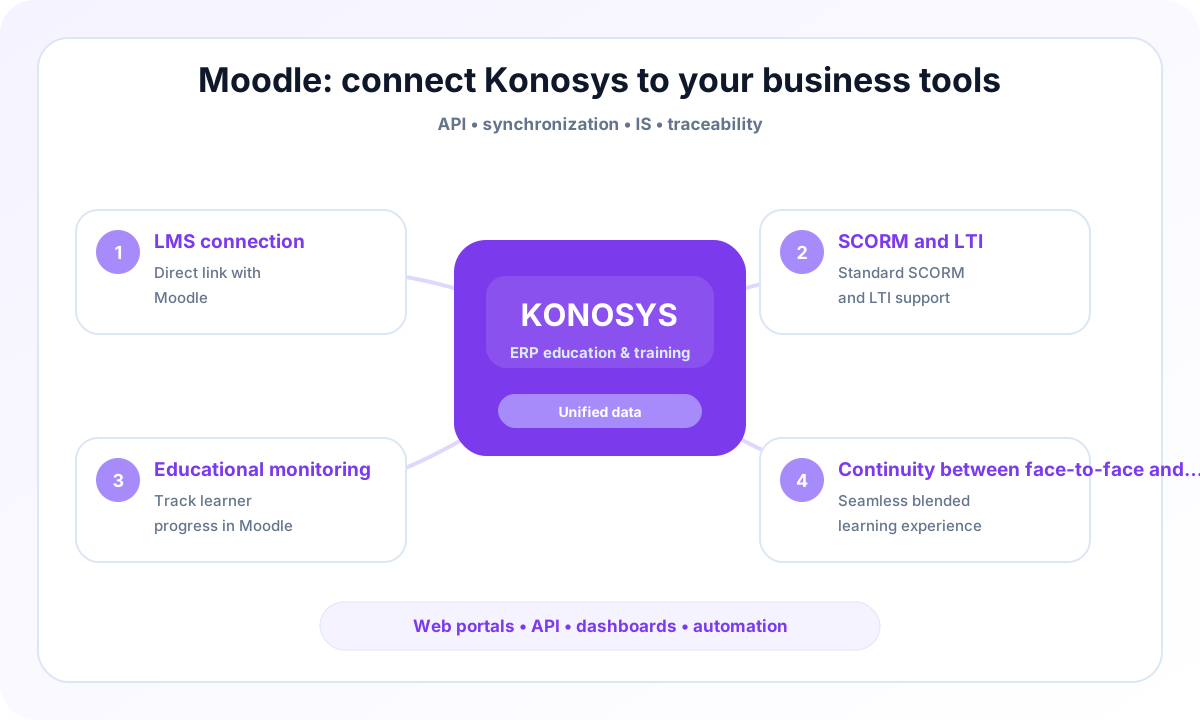
LMS connection
Connect Moodle, Opigno, Blackboard or other LMS to Konosys management data.
SCORM and LTI
Integrate e-learning uses by taking into account content, activities, external tools and traces.
Educational monitoring
Consolidate progress, grades, attendance, activities and indicators in the learning journey.
Continuity between face-to-face and e-learning
Connect planning, sessions, LMS, virtual classes and assessments in a coherent trajectory.
A project to work with your teams
IS and business teams who want to industrialize exchanges without losing control.
- Identify the processes to prioritize and the modules to activate.
- Map data, portals, roles and authorizations.
- Prepare useful connectors with your IS, your LMS and your financial tools.
- Build a progressive and measurable deployment trajectory.
Published by E-Charlemagne
Konosys draws on historical expertise in education, professional training, large networks and public digital transformation projects.
Schedule a demoA connector to make flows more reliable and reduce re-entries
An education ERP project rarely succeeds alone: it must interact with LMS, financial solutions, directories, collaborative tools, HR platforms and existing business systems.
Konosys connectors are designed to secure data exchanges, limit flow disruptions and maintain information that can be used by management and field teams.
The objective is pragmatic: connect the right systems, at the right level, with sufficient traceability to manage quality, compliance and operational performance.
Evaluate Konosys on your real scope.
Describe your organisation, your volumes, your existing tools and the modules that interest you.